On 30 November 2026, OpenAI will shut down Agent Builder, the visual canvas it launched as part of AgentKit. Existing users can keep working until that date. After that, OpenAI points them to the Agents SDK, which you run in your own application, or to Workspace Agents in ChatGPT. ChatKit, the embeddable chat interface, stays available. OpenAI posted the wind-down on 3 June 2026.
Flowise already crossed the same line. The project announced a code freeze on 29 July 2026, archived the GitHub repository on 10 August, and reached official end of life on 31 August 2026. The Apache 2.0 source remains on GitHub for anyone who wants to fork it. Official core-team support does not.
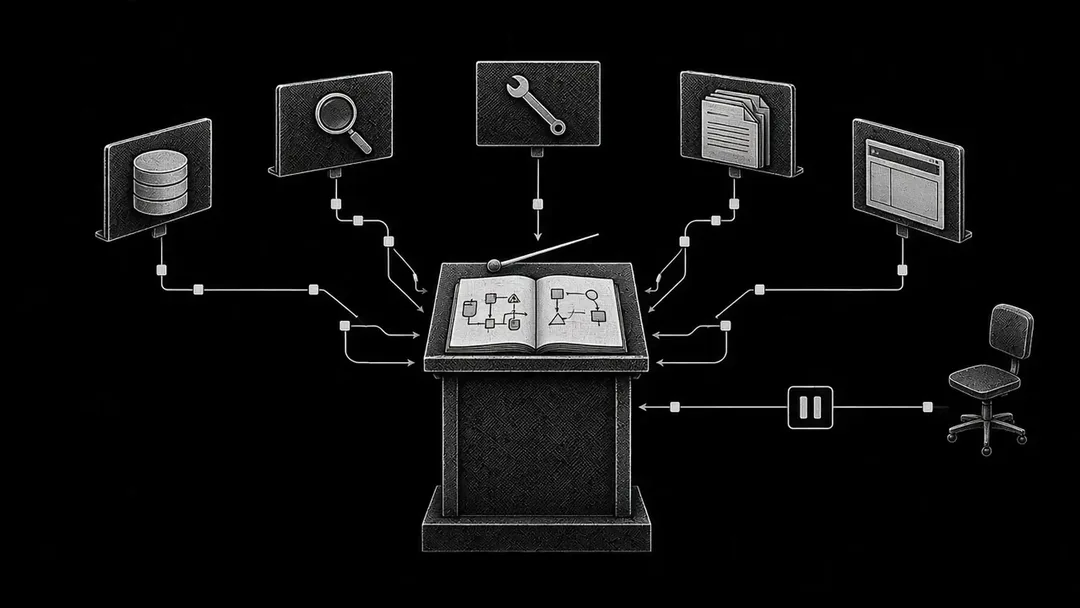
Those two events are why a no-code AI agent builder is worth treating as a workshop you can leave. Test the exit before you put customer data, write permissions, or a public channel on a canvas you do not own.
Search interest in the phrase is real. The first page of Google results is mostly ranked lists of tools. This piece is a field test you can run in an afternoon, plus the stress-test you should run before anyone calls the result production.
Run the same job on two canvases this afternoon
Pick one narrow job. A good first brief looks like the following illustrative composite, used here only as a test protocol:
A shared inbox or form intake arrives. The agent classifies the request, looks up a record in a spreadsheet or CRM, drafts a reply, and stops for a person to approve the send.
Write these five questions down before you open a vendor tab.
- What does a correct run look like, in one sentence, including the actions the agent must refuse?
- Which systems may it read, and which may it write?
- Who can change the prompt, the model, or the tool list after it is live?
- How will you notice a silent failure, besides a complaint?
- If this vendor changes or retires the canvas, what can you export, and how long would a rebuild take?
Then build the same brief on two platforms that already fit your stack. If the company lives in Microsoft 365, one of them should be Copilot Studio. If a lot of your work already runs through Zapier or Make, start there. If the work has to stay on machines you control, put n8n or Dify on the shortlist. You are checking whether this job, with these tools and these constraints, can live on a canvas you do not own. A tour of the "best AI agents" in the abstract will not answer that.
How to create an AI agent in a no-code builder is fairly consistent across products. You name the job, give the model instructions, attach tools or connectors, add a trigger, and run sample inputs. The afternoon is for getting a first run to complete. The rest of this article is for reading the bill, the permission model, and the exit.
What a no-code AI agent builder actually ships
A no-code AI agent builder is a visual canvas that wires together a language model, tools, triggers, and some control flow, then gives you a place to run the result. Some products also present themselves as AI agent platforms, with admin controls, shared workspaces, and a gallery of templates.
Gartner has been blunt about the gap between the label and the product. In a 25 June 2025 press release, the firm predicted that over 40% of agentic AI projects will be canceled by the end of 2027, "due to escalating costs, unclear business value or inadequate risk controls." Anushree Verma, a Senior Director Analyst at Gartner, said most projects at the time were "early stage experiments or proof of concepts that are mostly driven by hype and are often misapplied." The same release warned that many vendors are "agent washing": rebranding assistants, robotic process automation, and chatbots "without substantial agentic capabilities." Gartner estimated that only about 130 of the thousands of agentic AI vendors are real.
Use that as a filter while you click through templates. A chatbot that answers from a knowledge base, or a fixed path that always follows the same steps, can be the right design for the job. Name it accurately in the write-up, so nobody funds an autonomy program on the back of a scripted path. Gartner also recommended a simple split that still holds for this field test: use agents when decisions are needed, automation for routine workflows, and assistants for simple retrieval.
A comparison of the main platforms in November 2026
Prices and packaging move. The figures below come from official product and pricing pages as they stood in mid-November 2026. Confirm them on the vendor's site before you buy.
Platform | Best starting fit | Entry price (mid-November 2026) | Billing unit | Self-host | Check this in the afternoon |
|---|---|---|---|---|---|
Zapier (Agents, and AI by Zapier) | Teams already connecting many SaaS apps | Pro from $19.99/mo billed annually for 750 tasks. Agents add-on still listed (free 400 activities/mo; Pro from about $33.33/mo billed annually). | Tasks for Zaps and AI by Zapier; activities for standalone Agents, now migrating into AI by Zapier | No | Per-tool approvals, the run cap (75 tasks by default, up to 500), and whether your knowledge sources have moved |
Make | Visual branching at a low paid entry | Free with 1,000 credits/mo. Core from $9/mo billed annually at the 10,000 credits/mo tier. AI Agents listed on all plans. | Credits | No | The Reasoning panel, and a manual approval on a write |
n8n | Teams that may need code later, or need data on their own machines | Cloud Starter €20/mo and Pro €50/mo, billed annually. Community Edition free. Agents in preview. | Workflow executions (one agent turn is one execution) | Yes | Cloud versus self-host, approval on tool calls, and whether evaluations are on your plan |
Lindy | Assistant-style work in email, Slack, and the browser | $50 in free credits for 7 days, then Team from $29.99/mo per active user for 3,000 pooled credits | Credits, pooled across seats; unused monthly credits do not roll over | No | Seat billing (a Slack @mention can create a seat) and the approval prompt on a send |
Relevance AI | Multi-agent "workforce" setups for GTM and ops | Pro from $19/mo billed annually ($29 monthly), with 2,500 Actions/mo and $20 Vendor Credits/mo. Free plan retired. | Actions plus Vendor Credits; bring-your-own keys supported | No public self-host offer | Whether evaluations, listed on Enterprise, matter for this job |
Microsoft Copilot Studio | Microsoft 365 and Azure organizations | Microsoft 365 Copilot at $30/user/month, paid yearly, includes internal agents. Standalone packs: $200/month for 25,000 Copilot Credits, or pay-as-you-go through Azure. | Copilot Credits (usage varies by action) | No | Internal versus external publishing, and which connectors your license includes |
Gemini Enterprise | Google Cloud shops that want a governed no-code builder for staff | Sales-quoted; no self-serve price was published on the pages reviewed for this article | Per Google Cloud's Gemini Enterprise packaging | No | Which connectors an administrator has provisioned, and whether a preview run covers your cases |
Dify | LLM apps and retrieval-heavy agents, including self-host | Cloud Sandbox with 200 message credits. Professional $590 per workspace per year. Community self-host under the Dify Open Source License. | Message credits in the cloud (you can switch to your own keys) | Yes, Community edition | Knowledge limits, log history, and whether self-host is required |
Voiceflow | Customer-experience teams building voice and chat agents | Usage-based or sales-quoted; agency plans advertise a free trial with no credit card | Usage-based | No public self-host offer on the pricing page | Separate environments, and a conversation-level trace |
OpenAI Agent Builder | Existing users only, through 30 November 2026 | Included with standard API model pricing while the product remains available | API model usage | Export to the Agents SDK and run the code yourself | Export as Agents SDK code, and test that export before 30 November 2026 |
Flowise | Existing forks only | Official end of life on 31 August 2026. Apache 2.0 code remains on GitHub. | N/A for official cloud | Only as a fork you maintain | Do not start new production work on official Flowise hosting or support |
Zapier, Make, and n8n
These three are the usual shortlist when the job is to connect tools you already pay for, and let a model decide some of the steps.
Zapier still lists Zapier Agents as a standalone add-on billed in activities, while its help center documents a migration from Agents to AI by Zapier (updated 1 October 2026). After migration, an agent becomes a Zap with a trigger and a single AI by Zapier step, billed in tasks like the rest of the platform. Zapier has not set a date to turn off Agents, and says it will email users first. Some knowledge sources that existed in Agents, including HubSpot, Asana, Zendesk, Zoom, and Jira, were not yet supported in AI by Zapier at the time of that article, with support planned for Q4 2026. Turn on per-tool approvals, the per-run task cap, and any admin review of AI Zaps while you are still in the afternoon test.
Make is the cheaper visual canvas for many teams, and Make AI Agents are listed as available on all plans. A Reasoning panel on the canvas shows how the agent chose its next step. If you run out of credits, scenarios stop until you add more, which is a production incident if the agent is supposed to keep up with a queue.
n8n bills on workflow executions, and it is the one in this group you can self-host. The docs say agents are in preview, available on n8n Cloud and on self-hosted from version 2.32.3, and that one turn counts as one execution against the same quota as workflows. Human approval for tool calls is listed as included; metric-based evaluations are listed on Pro and above. For hosted plans, n8n says data is stored in the EU, on servers in Frankfurt. Confirm the region and the edition before you paste a customer record into a test.
Here's a walkthrough of those three editors, and still run your own brief.
If the graph of tools starts to sprawl, our earlier post on how to orchestrate AI agents without spaghetti graphs is the companion read.
Lindy and Relevance AI
Lindy sells itself as a teammate in Slack, email, iMessage, and the browser. Its FAQ says anything with outside impact, such as sending an email or updating a ticket, waits for approval, while read-only lookups from approved sources do not. That default helps the inbox brief above. Check seat rules carefully: Lindy says anyone who uses the product takes a seat, including people who @mention it in Slack.
Relevance AI is aimed at teams that want several agents working as a "workforce." Bring-your-own keys are supported on paid plans. Agent evaluations, SSO, RBAC, and audit logs are listed as Enterprise features. If evaluation is how you will sleep at night, read that row before the starter price.
Microsoft Copilot Studio and Gemini Enterprise
If the company already pays for Microsoft 365, Copilot Studio is usually the first canvas to test, because identity, files, and admin policy already live there. Internal agents are included with Microsoft 365 Copilot. Publishing to external channels requires a standalone Copilot Studio plan. Credit use varies by action, so a successful afternoon demo tells you almost nothing about the monthly bill until you have estimated the actions you will actually run.
Watch this video for an official look at the current product -
Gemini Enterprise is Google's current umbrella for this work. A 22 April 2026 Google Cloud blog describes a no-code Agent Designer for staff, plus a developer Agent Platform. Google's product docs for the no-code surface, at the time of writing, describe Workflow Builder as the place to create chat agents and workflows, then preview, publish, and share them inside the organization. Actions and tools are limited to the connectors an administrator has provisioned. That admin gate is the point of the product, and it is why an afternoon test can stall on access. Pricing is sales-quoted; do not invent a seat or usage number from a third-party roundup.
Dify, Voiceflow, and the canvases that are leaving
Dify is a visual builder for LLM applications, with a cloud Sandbox, a paid Professional plan, and a self-hosted Community edition. If retrieval is central to the job, confirm document and storage limits on the plan you will actually use, and read Roro's piece on RAG vs fine-tuning before you tune prompts around a stale corpus.
Voiceflow is aimed at customer-experience teams that need voice and chat, with usage-based or sales-quoted pricing, an observability suite, and separate environments for design, staging, and production. Those environments matter more than a low sticker price if the agent will face customers.
OpenAI Agent Builder and Flowise belong in this table as a warning. They are a poor place to start new work. If you already have workflows in Agent Builder, export them and test the export before 30 November 2026. OpenAI is clear that the export "does not convert your workflow graph or guarantee that every behavior transfers unchanged." If you still run Flowise, you are already on a fork, or you should be.
The stress-test after the demo works
A clean run on sample data is where the test starts. In Gartner's 2 October 2026 article, analyst Erick Brethenoux put the problem this way:
The challenge is not creating more capable AI agents. It's creating agents that are reliable enough to earn greater autonomy while operating within clear accountability and governance boundaries.
The same article says most AI agents "are not reliable enough to operate autonomously in complex or business-critical environments," and are a better fit where several outcomes may be acceptable and the impact of errors can be contained. Agents, it notes, "are not legal entities and cannot be held responsible for the consequences of those actions." Gartner also predicts that through 2028, more than 50% of AI initiatives will halt because of unresolved agentic identity challenges: the question of who, legally and operationally, is accountable for what an agent did.
Our earlier post on why AI agents keep failing in production covers that gap from the product side. Run the checks below on any canvas you are tempted to keep.
Evaluation
Ask whether you can store a set of real cases, run them after every prompt or tool change, and stop a publish when the score drops. n8n lists metric-based evaluations on Pro. Relevance AI lists agent evaluations on Enterprise. Voiceflow markets an observability suite with evaluations. OpenAI's Agent Builder had trace graders, and that product is going away. Many cheaper canvases still leave you with a chat transcript and a feeling. If you cannot hook those cases into a gate you control, keep writes behind approval and read the companion piece on an LLM evaluation framework.
Permissions
Least privilege is harder on a canvas than in a codebase, because a connector often arrives with a broad OAuth scope. For the inbox brief, the agent may need to read mail and look up a record, and should have to ask before it sends or updates anything. Lindy's default, Zapier's per-tool "require approval before running," n8n's human approval for tool calls, and Make's manual-approval steps are the controls to turn on during the test, before the first wrong send. Also write down who can edit a live prompt. In a lot of no-code tools, anyone with builder access can change instructions, models, or tools without a pull request, a diff, or an eval run.
Observability
You need the trigger, the model, the tool calls, the arguments, the result, and the cost of each run, kept long enough to debug a complaint that arrives a week later. Zapier's migration article says AI by Zapier runs show up in Zap history. Make puts reasoning on the canvas. n8n offers Cloud insights and, on self-hosted, tracing options including OpenTelemetry in preview. Microsoft points at Power Platform admin and Purview. Google describes agent observability on the Agent Platform. If you cannot get a single run into a log you retain, you will be debugging from screenshots. Roro's AI observability page is the longer version of this argument.
Cost
A single user message can trigger a variable number of model calls and tool calls, which makes no-code agent pricing easy to demo and hard to forecast. Zapier folds that into tasks, with a per-run cap. Make and Lindy stop or pause when credits run out. n8n charges an execution per turn, though a chatty agent still burns the quota. Copilot Studio credit use varies by action. Relevance AI splits Actions from Vendor Credits, with Action top-ups at $80 per 1,000. Gartner's cancellation forecast named "escalating costs" as one of the three reasons projects die. Before you scale a successful afternoon, multiply a realistic week's volume by the meter's unit, include retries and tool loops, and decide what happens when the cap hits: a pause, an overage bill, or a silent stall in a customer queue.
Vendor change and lock-in
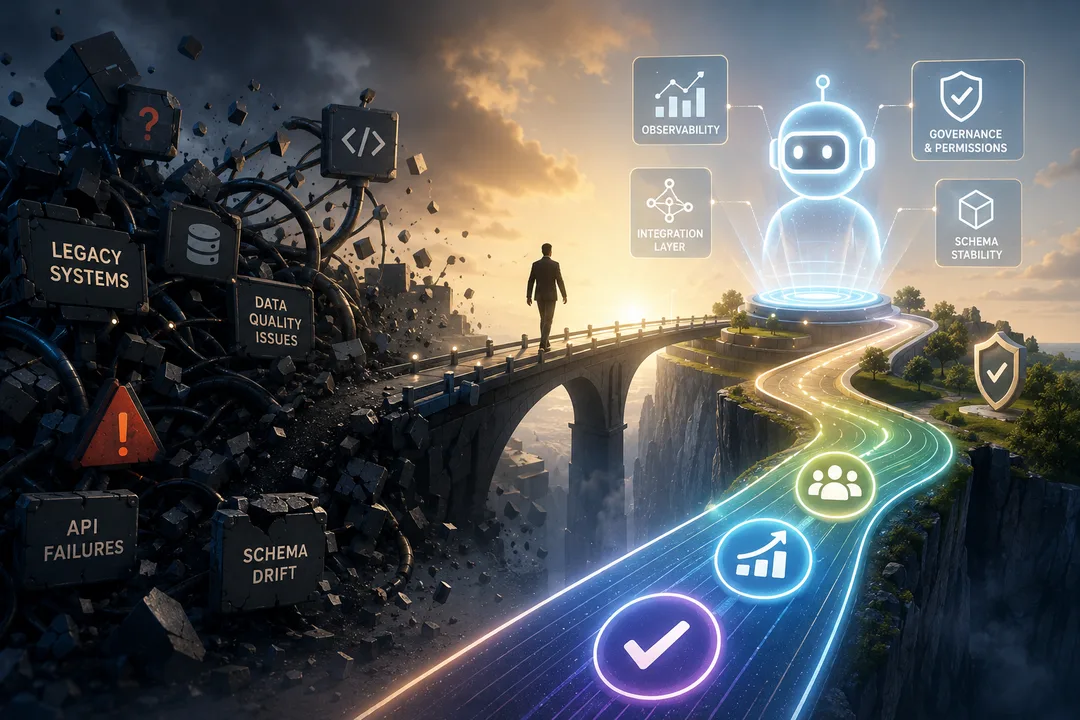
A canvas is someone else's editor. They can rename the product, change the meter, drop a connector, or set a shutdown date. OpenAI and Flowise have already done the last of those. Zapier's in-flight migration is a milder version of the same risk: the agent keeps running, with a new billing unit and a temporary gap in some knowledge sources. During the afternoon test, actually export something. Download the workflow, copy the prompt and tool list into a repository, or generate the SDK code. Then ask how long a competent engineer would need to rebuild the job if the export is incomplete. If the honest answer is "we would start from memory," you have a rented workshop.
Data access
Ask where prompts, retrieved documents, and tool responses are stored, in which region, and whether they are used to train a vendor model. n8n and Dify give you a self-host path when the answer has to be "on our machines." Lindy states that customer data is not used to train models, and that it is SOC 2 and GDPR compliant, with HIPAA and a BAA on Enterprise. Relevance AI claims SOC 2 Type II and that project information is confidential even from the vendor. Microsoft and Google lean on existing enterprise agreements, which helps only if the agent's connectors stay inside what those agreements already cover. If the agent must read a system that has no connector, or a private API with its own auth, the canvas will run out of road. That is usually the first clean signal that the job belongs in a custom build.
When the canvas is still the right place
Keep the work on a no-code AI agent builder when all of the following are true.
- The users are internal, and a wrong action can be reversed or was already sitting behind an approval.
- A connector for each system already exists, with scopes you can live with.
- The monthly volume fits a meter you have actually priced, including retries.
- A named owner will watch traces, credits, and prompt changes.
- You have an export, or a written rebuild plan with a clock on it.
- The job can tolerate the reliability Gartner is describing: more than one acceptable outcome, and contained damage when the agent is wrong.
Plenty of internal triage, drafting, and routing work meets that bar. A no-code builder is often the fastest way to find out whether the job is even worth automating. Keep it there if the field test stays green after a quiet week of real use.
When to leave the canvas
Move to a custom build when one of these shows up and will not go away.
- The agent faces customers, handles regulated data, or is itself the product, so a dashboard edit cannot be the release process.
- You need evaluation cases in your own pipeline, with a score that can block a deploy.
- Permissions have to be tighter than a vendor OAuth scope, or tools have to call internal services the canvas cannot see.
- The monthly bill moves in ways you cannot explain from usage, or a pause-on-empty-credits policy would interrupt a queue you care about.
- The vendor's roadmap now sets yours, and you cannot export a running equivalent.
That is the work an AI product studio is for. Roro designs and builds products, including AI systems that have to hold up after launch, and publishes the way we think about evaluation and observability. If the canvas already does the job, keep it. If you have hit the edges above, the next conversation is a custom agent with tests you run yourself, traces you retain, and an exit you control. You can reach the team through the contact form. If you also need people who can take the job off the canvas, the hiring piece on a work-sample filter for AI developers is the practical next read.
FAQ
What is a no-code AI agent builder?
A no-code AI agent builder is a visual canvas for wiring a language model to tools, triggers, and control flow, so a team can ship an agent without writing the orchestration code. The better products also give you approvals, traces, and some form of evaluation. The canvas still runs on a vendor's editor, meter, and roadmap, which is why a field test should include an export and a rebuild plan.
Which no-code AI agent builder should a team start with?
Start with the platform that already holds your identity and your connectors. Microsoft 365 shops should test Copilot Studio first. Teams that already run Zapier or Make should test there. Teams that need self-hosting should look at n8n or Dify. Run the same narrow brief on two canvases, and keep the one that can clear the stress-test, rather than the one with the most templates.
How do you create an AI agent without writing code?
Pick a single job, write the success rule and the forbidden actions, attach only the tools the job needs, and put approval in front of any write. Run a handful of real examples, including ugly ones, then turn on tracing and a spend cap before you give the agent a larger audience. The afternoon is for the first complete run; production starts after you know how you will catch a silent failure.
Can a no-code agent run in production?
Yes, for internal jobs with contained risk, reversible or approved writes, a named owner, and a meter you have priced. Gartner's June 2025 forecast, that over 40% of agentic AI projects will be canceled by the end of 2027 because of cost, unclear value, or weak risk controls, is a warning about scale and governance. It does not forbid using a canvas. Once the agent faces customers, touches regulated data, or needs a deploy gate you own, the canvas is usually no longer enough.
When should a team leave a no-code AI agent builder for a custom build?
Leave when the agent is customer-facing or is the product, when you need evaluation in your own pipeline, when permissions or data access do not fit the vendor's connectors, when cost cannot be forecast from the meter, or when a vendor change would take the job down with no export. A custom build costs more up front and gives you tests, traces, and a codebase you can keep.
What happened to OpenAI Agent Builder and Flowise?
OpenAI is shutting Agent Builder down on 30 November 2026 and directing people to the Agents SDK or to Workspace Agents in ChatGPT; ChatKit remains. Flowise reached official end of life on 31 August 2026, after a July announcement and an August repository archival, and the Apache 2.0 code remains available to fork. Both are reminders to test your exit while the editor still exists.
How do no-code AI agent platforms usually charge?
Most platforms meter work in one of a few units: tasks (Zapier), credits (Make, Lindy, Copilot Studio), workflow executions (n8n), or actions plus model credits (Relevance AI). A single user message can consume several of those units if the agent loops or calls tools repeatedly, so you should price a realistic week of volume, including retries, before you call the afternoon a success.
Sources
- OpenAI, Agent Builder and Migrate from Agent Builder, including the 3 June 2026 wind-down note on Introducing AgentKit.
- Flowise, The Future of Flowise.
- Gartner, Gartner Predicts Over 40% of Agentic AI Projects Will Be Canceled by End of 2027, 25 June 2025.
- Gartner, AI Agent Success Requires Reliability Before Autonomy, 2 October 2026.
- Zapier, Plans & Pricing and Migrating from Agents to AI by Zapier.
- Make, Pricing and Make AI Agents.
- n8n, Plans and Pricing and Build and manage agents.
- Lindy, Pricing.
- Relevance AI, Pricing documentation.
- Microsoft, Copilot Studio plans and pricing.
- Google Cloud, The new Gemini Enterprise and Workflow Builder / Agent Designer.
- Dify, Pricing.
- Voiceflow, Pricing.